

Cybersecurity Awareness Month is observed each October to help people protect their digital data and personal information from cybercriminals. With hacking and scam attempts on the rise, financial accounts can become vulnerable if they aren’t safeguarded properly.
Fortunately, there are actions you can take to defend your digital financial information from would-be cyberthieves. See six best practices below that will help keep your accounts and online finances out of harm’s way.
1. Use strong, unique passwords.
Each account should have a different password that is:
- Lengthy (aim for 12 characters or more).
- Complex (a varied combination of letters, numbers, and symbols).
- Changed routinely (at least every six months).
Consider using a password manager tool to simplify managing multiple complex and unique passwords for each account. Doing so helps keep track of all your passwords and only requires you to remember one master password. There are many good options out there, both free and by subscription. If you choose to pay, look for ones that offer a free trial and allow you to test it out before purchase.
For more ideas to create strong passwords, check out our blog post.
2. Enable multi-factor authentication (MFA).
This uses two or more factors when you sign into an account, which is usually a password or PIN, along with one or both of the following:
- A phone, key fob, smartcard, etc.
- Your eye or fingerprint scan, or facial recognition.
Overall, accounts using MFA offer an additional layer of protection. For more information on MFA, check out our other blog post.
3. Watch for phishing emails, suspicious texts, and robocalls.
Scammers sometimes send messages via email and text that appear to be from your financial institution. They ask you to click a link or download an attachment for account verification. Others may also spoof a phone number and call you, making it look like they’re calling from a legitimate company, like your financial institution, utility company, or even local law enforcement. They claim they need your account or financial information to quickly fix a problem. Remember to pause before you react. In written messages, pay close attention to generic greetings, urgent language, suspicious email addresses, and even the slightest spelling or grammar errors. In phone calls, note that legitimate companies will not unexpectedly call you to fix an account or computer issue, and MSGCU, or any other financial institution, would never call you to ask for your password or security codes. When in doubt, hang up and call the organization directly, using the phone number from their legitimate website. Once verified, you can either safely respond, or block and report the fraudulent message.
Keep up to date on security practices by visiting MSGCU’s Security Center, or read our blog post on phishing scams.
4. Monitor your accounts regularly.
Look for unauthorized logins, purchases, or changes. If you receive unexpected alerts for activity you don’t recognize, this may be a sign that your accounts or credit card(s) have been compromised.
You can view your credit score anytime within MSGCU’s online banking or mobile app. You can also request weekly credit reports from each of the three credit reporting agencies at AnnualCreditReport.com for free.
5. Update security settings.
It’s a good habit to routinely update your phone and computer and invest in strong anti-spyware. Learn more about online protection. Most computers also allow you to activate a security setting to encrypt your data, but be sure to first back it up to a secure external hard drive or a properly vetted cloud service. (Read more at cisa.gov.)
6. Avoid unsecured networks and use a VPN to hide your IP address.
If you must access public Wi-Fi, try using a VPN (virtual private network), which can help prevent others from tracking and hacking into your device.
What to do if you’ve been targeted
If you suspect you’ve fallen victim to a cyberattack, act fast to help mitigate the damage.
- Try to regain control of your accounts using password recovery tools. It’s also a good idea to contact the compromised platform’s support team.
- Change your passwords, starting with your email and then moving on to any other accounts that use the same or similar login.
- Enable MFA whenever possible and notify your financial institution and credit card company as you may need to freeze or close accounts.
- Scan your device for malware, using a trusted antivirus tool to check for keyloggers or other malicious software.
- Finally, file a report at IdentityTheft.gov or IC3.gov.
Protecting yourself from cyberattacks is manageable if you stay informed and take precautions. You can find even more information on cybercrime prevention by checking out more of our blog posts here: click the dropdown to filter the category to “Security.” You can also visit our Security Center, which offers recent scam alerts and more useful tips on staying cybersafe.
Remember, MSGCU is here to help if you ever get targeted by cybercriminals. For immediate assistance, contact us by phone, online chat, video banking, or visit any of our 24 branches.
Category: Security
« Return to "Blog"
You May Also Like

To shred or not to shred?
Read these handy tips to help determine if your items are recycle-bin ready or if you should safely shred them.

The U.S. and internet scams
Even though the U.S. is the most scammed country in the world, you don’t have to be a victim. Learning about online scams is the first step in staying safe from them. Check out these interesting statistics, trends, and methods scammers rely on.
Safe travels: How to keep your finances secure while traveling this spring and summer
With summer right around the corner, vacations and travel plans are on the horizon. While you’re mapping out your itinerary and preparing to pack, be sure protecting your finances and personal information makes your pre trip list with our top 10 tips to stay safe while traveling.
Do not open before Christmas… or after! Post-holiday scams to watch out for.
The hustle and bustle of the holidays may be behind us, yet fraudsters are still up to their reindeer games. Stay vigilant and watch out for these common post-holiday scams.
10 tips to protect you from identity theft
December is the busiest time of year for spending and for scammers. Check out our 10 tips to keep identity theft from ruining your holidays.

Shop Safely Online This Holiday Season
Be ready to safely shop online this holiday season with these 6 tips from MSGCU.

When scammers unite: understanding fraud rings
A fraud ring is a group of fraudsters that can operate for years while stealing money and personal information, causing tremendous damage and loss along the way. Let’s take a look at fraud rings, how they operate, and how you can keep safe.

Keep your devices clutter free and safe
Learn how to securely clean sensitive documents on your devices to lower your risk of information theft and better protect your privacy. Our how-to guide covers deleting files, apps, and wiping a device.

All you need to know about cybercrime prevention
Every year there is an increase in cybercrimes, including scams and cyber-attacks. Follow these tips to avoid falling victim.

Easy Ways to Prevent Identity Theft
We all know how important it is to protect our identity. Read on for tips to prevent thieves from getting information from a place you may not think about: your trash.

Protect your investments from scammers
Investment opportunities may be a promising adventure, as long as they’re legit. Scammers are tricking victims with bogus cryptocurrency investment scams. Learn more about these scams.

Have a fun and safe Fourth of July
Planning to celebrate the Fourth of July with friends, family, and fireworks? Read our tips to keep the holiday fun and safe.

Keep hackers guessing: a guide to super-strong passwords
Increasing your password security is the most important step you can take to keep your information safe. Read our 5-step guide to stronger passwords.
Multifactor Authentication 101
Adding a simple step to your online activity can significantly increase protection for your accounts and sensitive data. Read on to learn what it is and how to use it.

Protect Your Finances and Identity While Traveling
Taking a trip or going on vacation is exciting! As you plan what to pack and sites to see, make sure protecting your finances and your identity are on your pre-trip list. MSGCU makes it easy with these tips.

Don’t Get Scammed this Spring Break
As you finalize your spring break plans, be mindful of these scams, which can turn your dream vacation into a nightmare.

Romance Scams: Happily Never After
Looking for love online? Make sure it’s cupid’s arrow and not a scammer that strikes your heart by understanding romance scams.

Don’t get caught in a phishing scam!
Don’t get caught in a phishing scam! Learn the red flags and how to stay safe.

Safe Holiday Shopping for You and Your Wallet
During the holidays, you and your finances go through A LOT. Sometimes we get so caught up in what we need to buy and check off the list, we lose sight of protecting our finances and ourselves.
Let MSGCU help keep you protected while also helping you check a few more items off your list.

5 scams to avoid this holiday season
It’s important to be mindful of online scams, especially now with the busy holiday season right around the corner. Protect yourself from these five common scams.

Video: Cybersecurity Practices Everyone Should Follow
Cybercrime is rampant, so take these preventive measures to keep you and your money safe.
Six Ways to Protect Yourself Against Cyber Attacks
Learn what you can do to safeguard your money and personal information from criminals.

Are you ready for a disaster?
September marks National Preparedness Month. Whether you prepare now or at another time, MSGCU can help with these tips.
Here’s What You Need to Know About Spoofing Scams
Modern technology has enabled scammers to be sneakier and harder to spot than ever before. Here’s what you need to know about spoofing and spoofing scams.
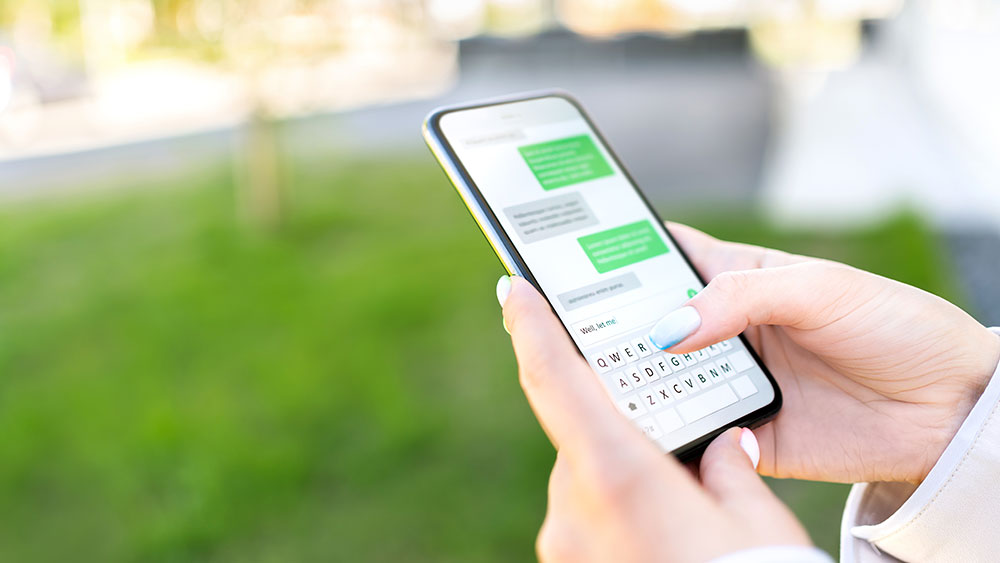
Stay safe from scams.
Financial institutions are seeing increases in fraud. Learn to spot the warning signs to avoid falling victim from texts like these.

The 12 Days Scams of Christmas
'Tis the season for scammers to take advantage of the giving spirit and holiday hustle. Read on to help prevent these 12 common holiday season scams.

Keep Your Data Safe Online
A compromised computer can put you at risk for money loss, phishing scams, or even complete identity theft. Read on for steps you can take to keep yourself safe online.

Stay Safe During the Holiday Season
Sometimes we let our guard down due to the stress of the holiday season and thieves may try to exploit that. Read our tips to prevent becoming a holiday victim.
How Text Message Scams Typically Work
Do you know the warning signs of a text message scam? Learn how they work and what you can do to protect yourself.
Fall in Love, Not for Scams
Millions of people are looking for love, including scammers. Or, that’s what they want you to think.
Know the signs of an online romance scam so you don’t end up with a broken heart and drained bank account.

Keep safe from holiday scams
As the holiday season ramps up, keep your season cheery and bright by not falling for these holiday-related scams.
Use These 5 Easy Tips to Protect Yourself Online
We’re all online these days. Whether you work from home, are taking online classes, or simply enjoy scrolling through social media, keep your accounts protected and don’t let them be vulnerable. Protecting yourself online has never been more important.
Scam prevention: Look out for these 7 red flags
Many Americans unfortunately fall prey to scams each year. Read on for seven common red flags from MSGCU security experts to raise your guard and help prevent you from falling victim to a scam.

Cryptocurrency: what it is and what risks to consider
Cryptocurrency continues gaining popularity. Read on for more about digital currency, including important risks to consider.

Know the signs of a Spear Phishing scam
It’s important to remain vigilant to the various types of cybersecurity scams. Learn what to look for so you don’t fall victim to a spear phishing scam.
Partner with us to help protect your accounts.
In addition to MSGCU's behind-the-scenes security features, there are additional tips you can use to help keep your information safe.

7 reasons to go paperless with your bank statements
Making the switch to paperless bank statements (eStatements) gives you added convenience and security benefits, which means less worry for you. Read on for seven reasons why paperless statements may be right for you.
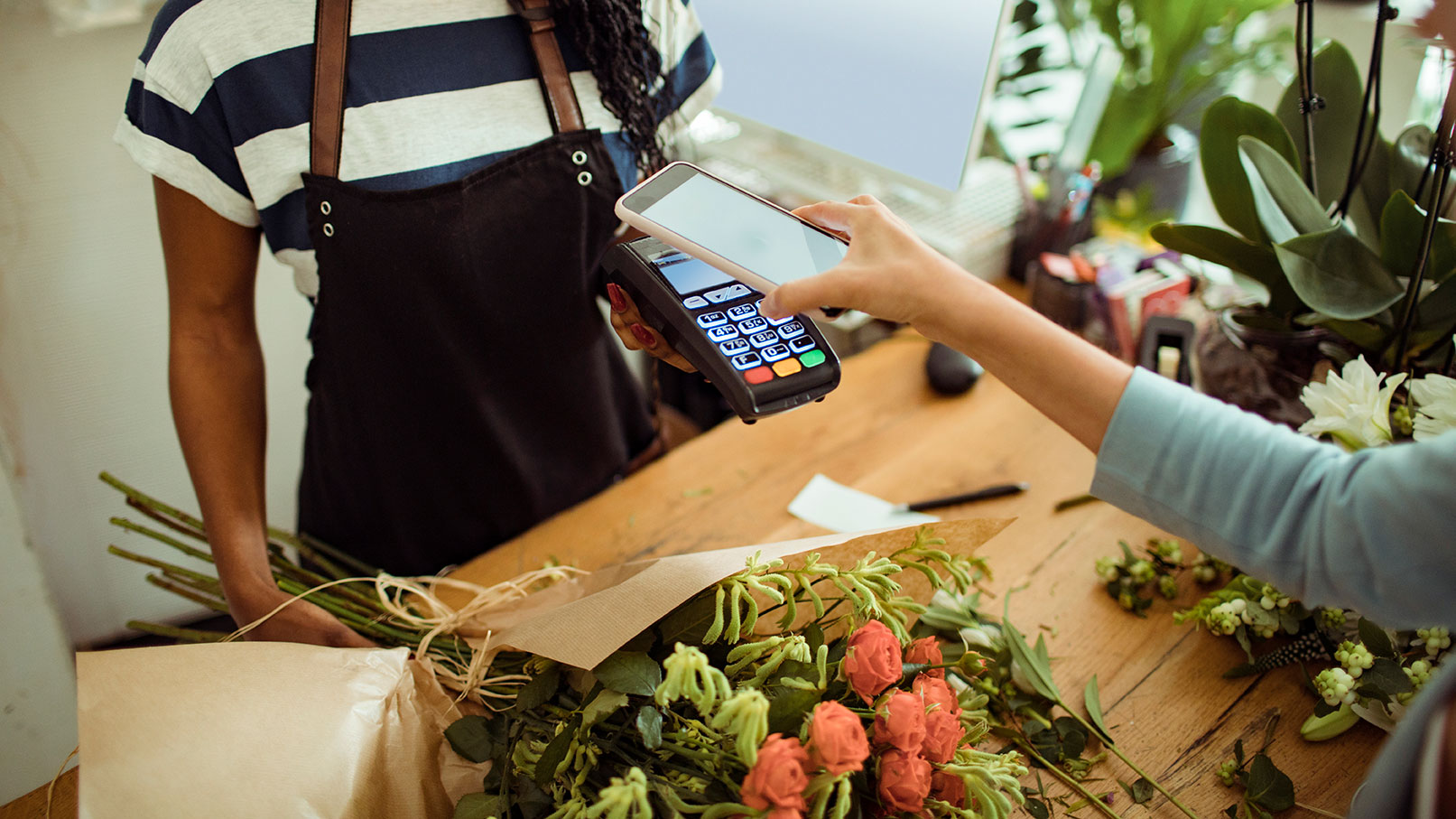
Holiday shopping? Pay by phone to keep safe.
Holiday shopping? Paying by phone using your mobile wallet is a smart, safe choice in the checkout line this year.